QAP can import analytical dimensions from Sage X3® and display them as lists.
Importing Analytics Dimenstions
When QAP first syncs with Sage X3®, all analytical dimensions will be imported as deactivated lists with no list items. To activate the lists and import list items:
Set the dimension as mandatory in Sage X3®.
- Set the list as a required coding field in QAP.
- Go to Settings | List Management and active the list.
- Go to Settings | SmartSync and run a sync.
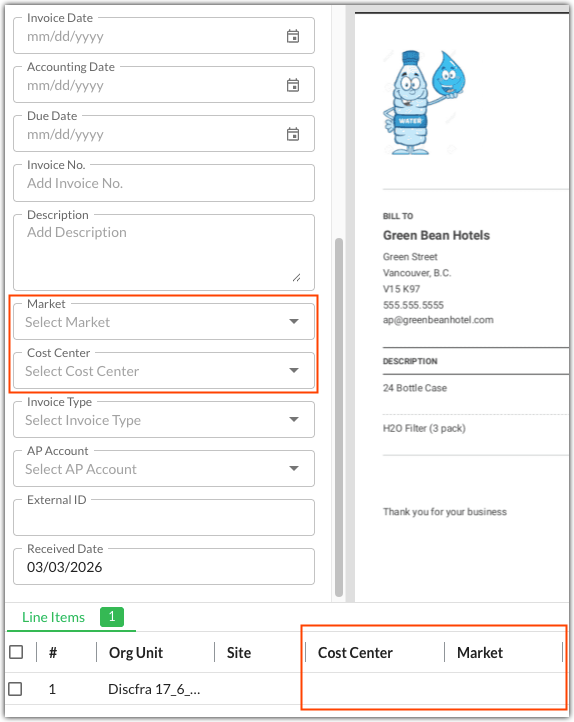
By default, analytical dimension lists are displayed at the line item level. Contact your Customer Success Manager if you would like to have them displayed on the header level as well.
Was this article helpful?
That’s Great!
Thank you for your feedback
Sorry! We couldn't be helpful
Thank you for your feedback
Feedback sent
We appreciate your effort and will try to fix the article