Default list items are coded automatically to all invoices under a legal entity. To set a default list item:
Select the legal entity and list.
Find the list item.
Click the three dots and select Set as default.
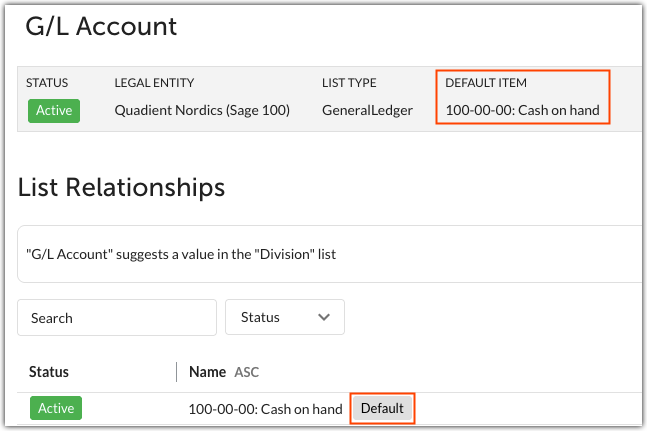
In this example, all invoices under the legal entity Quadient Nordics (Sage 100) will have G/L Account 101-00-00: Cash on hand coded by default.
To remove a default list item, follow the same steps again and select Remove default.

Was this article helpful?
That’s Great!
Thank you for your feedback
Sorry! We couldn't be helpful
Thank you for your feedback
Feedback sent
We appreciate your effort and will try to fix the article