Specific lists are imported from each ERP system to QAP by default. If you do not use some of these lists, they can be disabled. This prevents the lists from being coded to a transaction by accident, which could lead to sync errors.
To do this:
- Select the legal entity and list.
- Click Actions and select Disable. Confirm this action in the dialog box to disable the list.
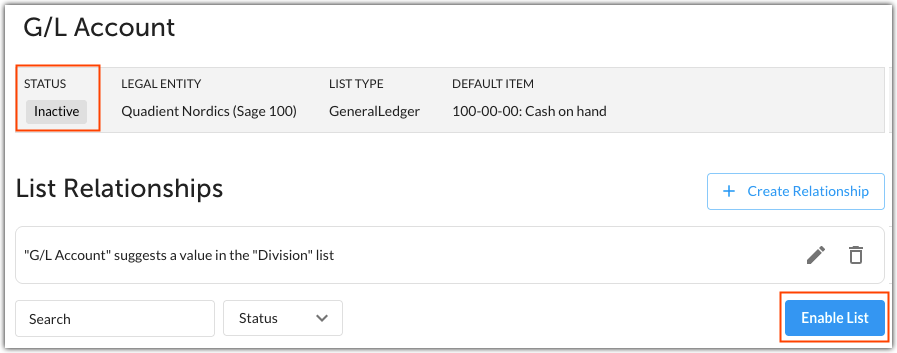
The list G/L Account for legal entity Quadient Nordics (Sage 100) is disabled. Click Enable List to enable the list.
Lists that are marked as required coding fields cannot be disabled. Attempting to disable a required coding field list will result in the following error message:

List items, such as vendors, classes, or G/L Accounts, cannot be disabled in QAP. Instead:
- Disable the list item in your ERP system.
- Run a sync to import the updated information.
Was this article helpful?
That’s Great!
Thank you for your feedback
Sorry! We couldn't be helpful
Thank you for your feedback
Feedback sent
We appreciate your effort and will try to fix the article