Fully approved purchase orders can be emailed directly to vendors. To do this:
Select a purchase order.
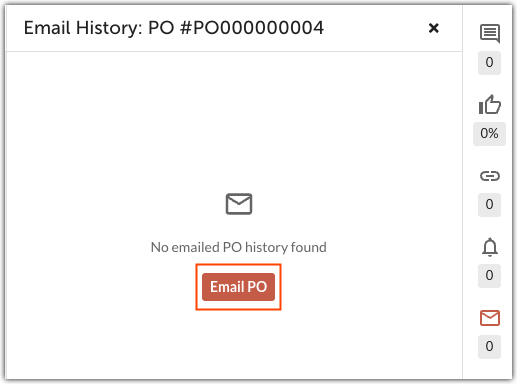
Click the email icon to open the purchase order's email history.
- Click Email PO.
- In the Email Purchase Order dialog, enter the customer's email. You can CC additional email addresses, edit the pre-populated message, and choose to include or exclude backup images.
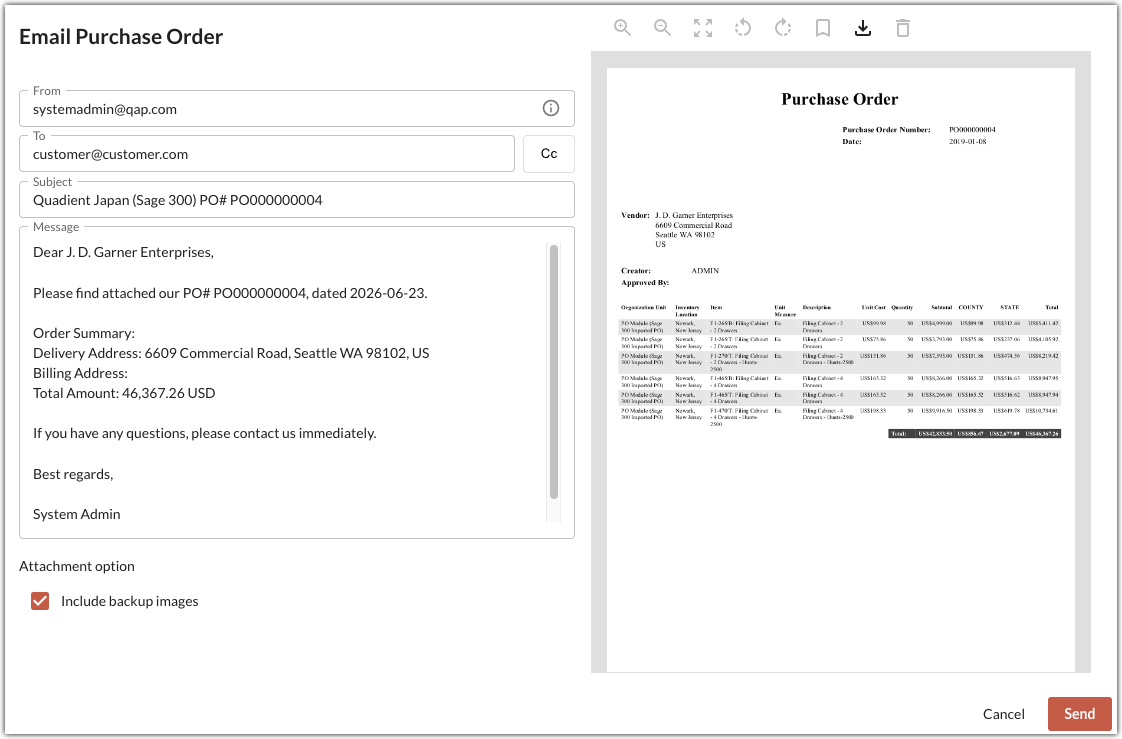
Click Send to send the purchase order to the vendor.
Viewing Email History
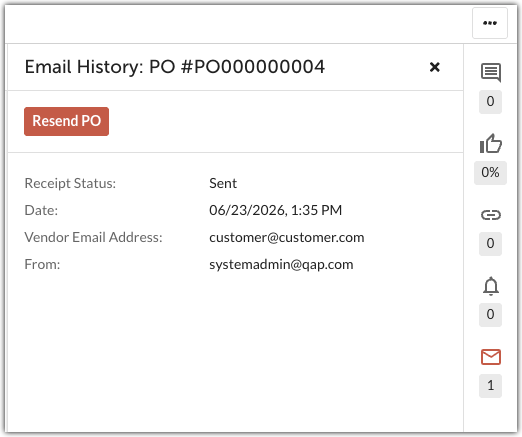
After emailing a purchase order, click to see the email history.
Was this article helpful?
That’s Great!
Thank you for your feedback
Sorry! We couldn't be helpful
Thank you for your feedback
Feedback sent
We appreciate your effort and will try to fix the article