After a payment is created, it will move to the In Progress tab. If you need assistance creating a payment, check out our article here.
Click into the payment to complete the coding. Some information will be coded to the payment already, and the fields you need to complete may differ depending on your ERP.
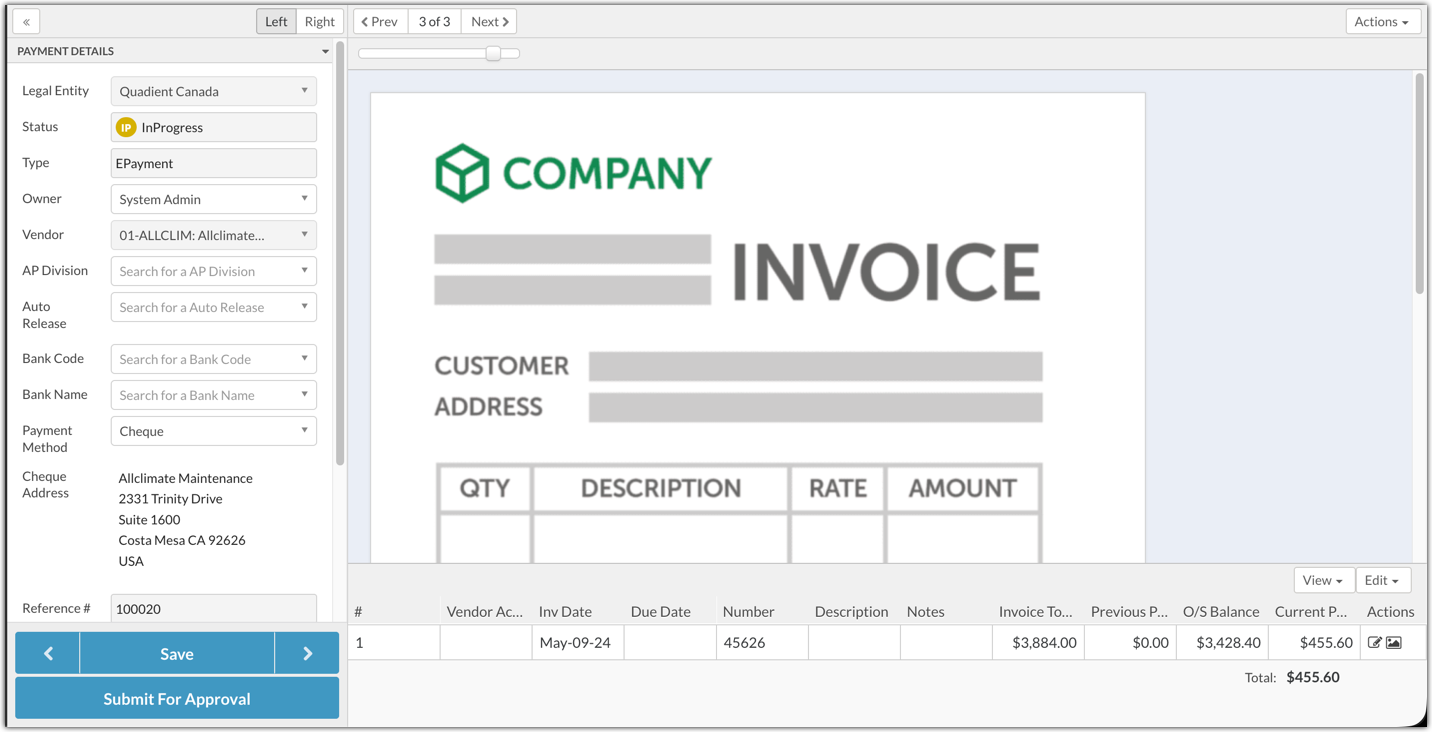
Once the payment is fully coded, it can be submitted for approval. Fully approved payments will be visible in the Releases tab. Learn more about releasing payments in our article here.
Was this article helpful?
That’s Great!
Thank you for your feedback
Sorry! We couldn't be helpful
Thank you for your feedback
Feedback sent
We appreciate your effort and will try to fix the article